70.19% of shopping carts get abandoned before purchase. On mobile, it’s closer to 80%. That number hasn’t improved much in ten years of ecommerce growth, which tells you something about how poorly most stores handle checkout.
Baymard Institute (the research group that’s been auditing checkout flows for two decades) estimates that the average large ecommerce site can pick up a 35.26% conversion rate increase through better checkout design alone. Not better products. Not more traffic. Just fewer people walking away after they’ve already decided to buy.
We’ve audited checkouts for Shopify stores doing $250K to $5M in annual revenue. The same problems keep showing up. Here are the 11 fixes that consistently bring revenue back, with real data behind each one.
1. Stop Surprising People With Shipping Costs
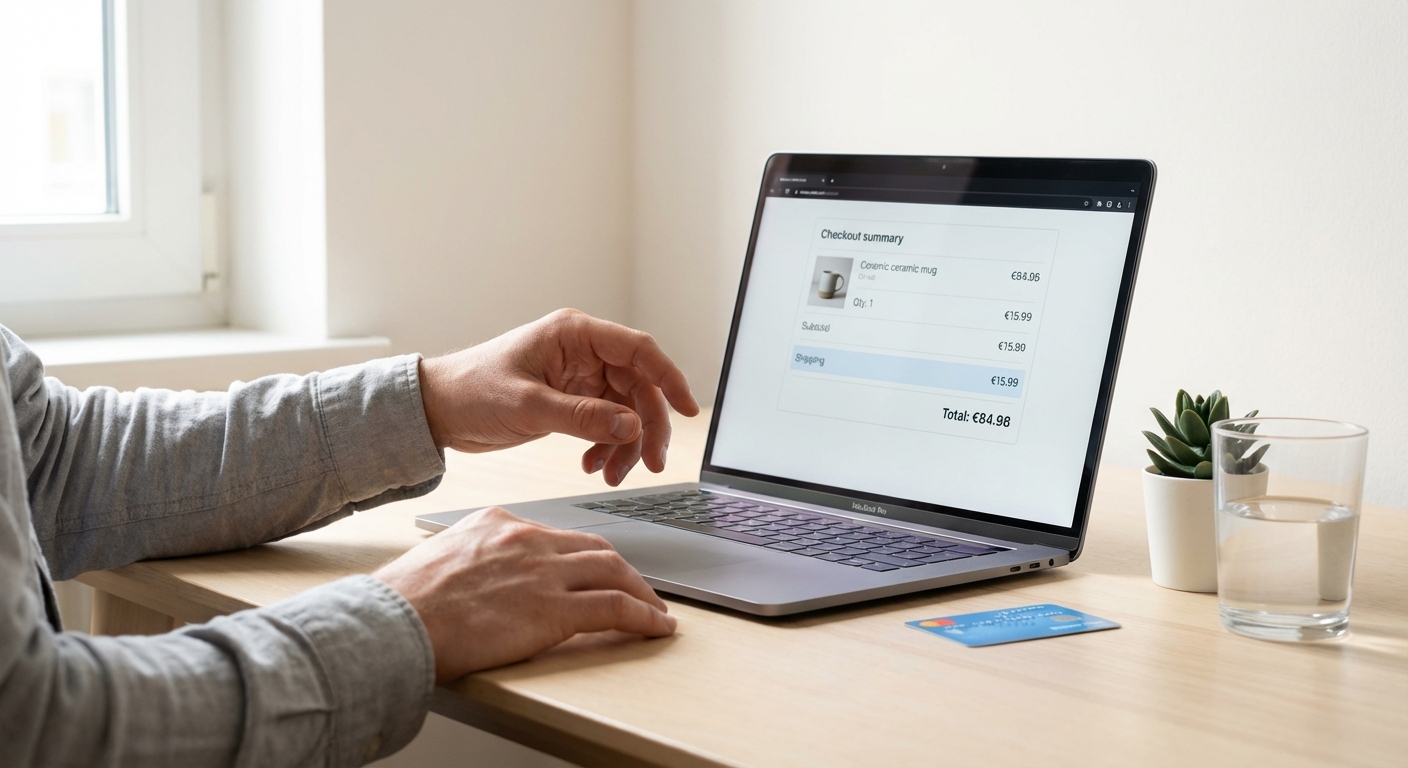
48% of all checkout abandonment comes down to extra costs that buyers didn’t see coming. Shipping, taxes, fees. It’s been the number one reason people leave checkout for over a decade running. Nothing else comes close.
The fix: tell people what shipping costs on the product page, not at checkout.
Dreamland Jewelry tested this by switching to free shipping on all orders. The result was a 37% conversion uplift. Not every store can absorb shipping into margins, but every store can be upfront about what it costs.
On Shopify:
- Show the shipping cost (or “Free shipping”) on every product page, near the Add to Cart button
- If you run a free shipping threshold, put a progress bar in the cart: “You’re $23 away from free shipping”
- 48% of customers will add more items to qualify for free shipping. Set your threshold 15-30% above your current AOV to increase average order value while cutting abandonment
- For NZ/AU stores: show GST-inclusive pricing. Tax surprises at checkout are an instant abandonment trigger in markets where inclusive pricing is the standard

2. Enable Guest Checkout (Stop Asking for Passwords)
24-26% of people abandon checkout because they’re asked to create an account. One in four customers, ready to hand over their money, and you asked them to pick a password instead.
ASOS learned this one the hard way. After they added guest checkout, completed checkouts went up by 50%.
Registered customers do convert at a higher rate (64% vs 52% for guests). But forcing registration kills the sale entirely for a quarter of your buyers. Run the maths on that. It doesn’t work.
What to do:
- In Shopify, go to Settings, then Checkout, then Customer accounts. Select “Accounts are optional” or guest checkout.
- Let people buy first. Prompt account creation on the thank-you page or in the order confirmation email.
- Frame it as a benefit: “Create an account to track your order and get 10% off next time.” Make it an invitation, not a gate.
3. Cut Your Form Fields in Half
The average ecommerce checkout has 23.48 form elements. An optimised flow needs 12-14. That means most stores can cut 20-60% of their fields without losing any information they need.
Every extra field is friction. Friction costs money.
Fields to remove or automate on Shopify:
- Enable Google address autocomplete. This kills 4-5 fields with a single integration.
- Remove “Company name” unless you sell B2B.
- Auto-detect city and region from postcode.
- Pre-fill returning customer details through Shop Pay.
- Drop the phone number field if you don’t use it for shipping notifications.
And fix your error handling while you’re at it. 98% of ecommerce sites use generic errors like “Please fill in this field.” Only 2% use adaptive messages that tell the customer what’s wrong and how to fix it. On top of that, 31% of sites still don’t do inline validation, which means customers fill out the whole form, hit submit, and only then discover the problem. Both of these are worth fixing.
4. Switch to One-Page Checkout
Shopify’s one-page checkout converts about 7.5% better than multi-page flows. Some stores report checkout conversion jumping from 54% to over 60% after making the switch.
Trimming checkout to 3 steps or fewer can lift conversions by up to 20%.
The reasoning is simple: fewer page loads means fewer moments where someone gets distracted, fewer loading delays, and a clearer sense of “I’m almost done.”
On Shopify:
- If you’re on Shopify Plus, customise the checkout with Checkout Extensibility
- On standard plans, Shopify’s default checkout is already well-optimised. Just make sure you haven’t bolted on apps or scripts that create extra steps.
- Test the full checkout on your phone. Load your store, add something, and buy it. Time the whole thing. If it takes more than 90 seconds from cart to confirmation, something needs to go.
5. Turn On Express Checkout (The Biggest Win for the Least Work)
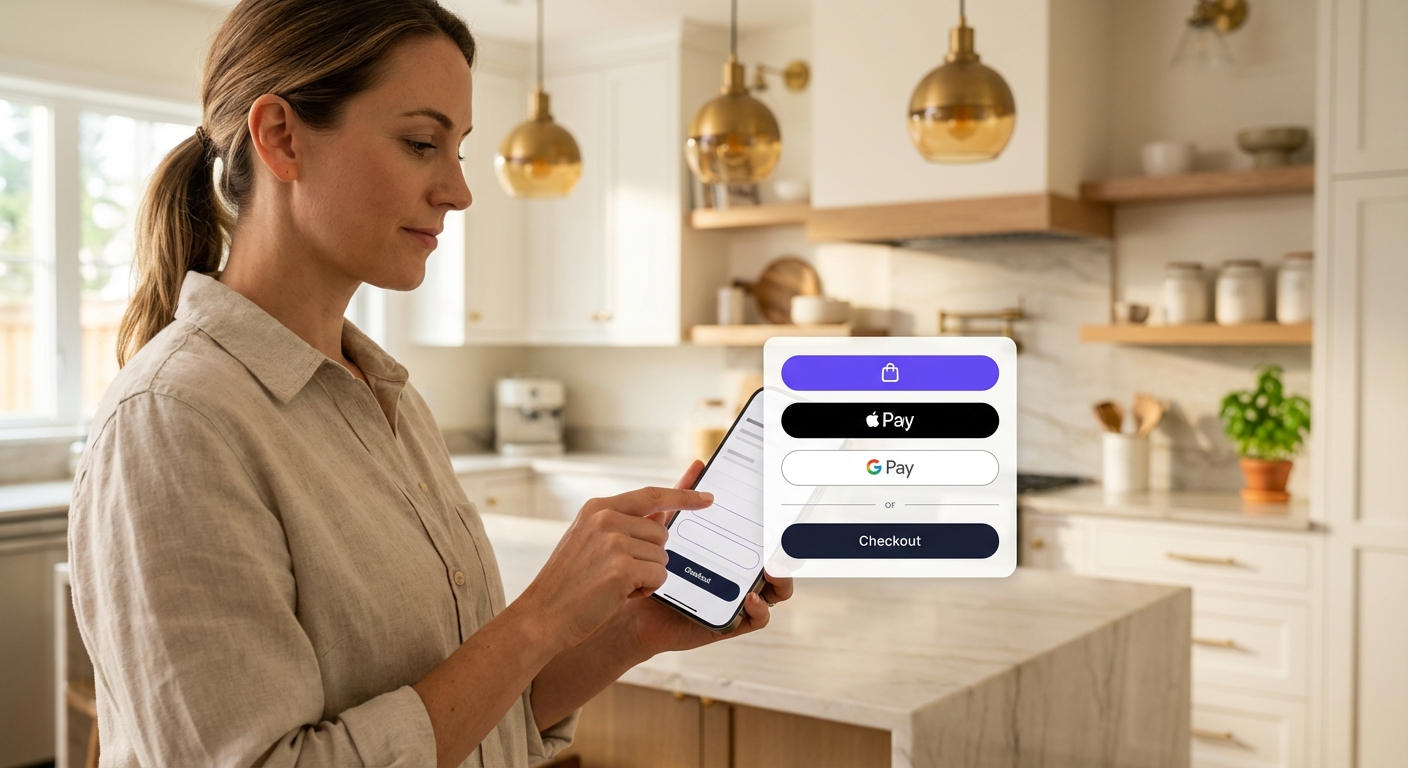
Stores with 4 express checkout methods hit a 67% conversion rate versus 52% for stores with none. That’s a 15-percentage-point gap from a settings change.
The breakdown by payment method:
- Shop Pay: 91% higher mobile conversion, 56% higher desktop conversion versus standard checkout. Up to 50% lift over guest checkout.
- Apple Pay: 22.3% average conversion increase. Showing it early in the flow (not just at the payment step) doubles the impact.
- Digital wallets overall: 15-30% boost in checkout completion on mobile.
How to set it up:
- Go to Settings, then Payments, then Express checkout. Enable Shop Pay, Apple Pay, Google Pay, and PayPal.
- Show express checkout buttons on the cart page, not just at the payment step.
- Shopify’s checkout already outperforms competitors by up to 36% (15% on average). Express options push that gap wider.
6. Add Buy Now, Pay Later for Products Over $100
If you sell anything above $100 and don’t offer BNPL, you’re missing a buyer segment that’s growing fast. Klarna reports 30-35% conversion lifts on average, with a 27% increase for Shopify merchants in particular.
The deeper numbers are worth looking at:
- BNPL users buy 36% more often and place 45% larger orders
- Affirm sees up to 87% higher AOVs on BNPL transactions
- Shop Pay Installments lifts AOV by up to 50% and cuts abandoned carts by 28%
- Here’s the part that surprised me: 66% of BNPL users will abandon their cart if their preferred BNPL option isn’t there
For NZ/AU stores:
- Afterpay and Laybuy dominate this market. Make sure at least one is enabled.
- Shop Pay Installments is available for eligible Shopify Payments merchants.
- Show the BNPL option and per-instalment price on the product page, not just checkout. “Or 4 payments of $37.50 with Afterpay” removes the sticker shock before someone even gets to the cart.
7. Put Trust Signals at the Payment Step
19-25% of customers leave because they don’t trust the site with their card details. Trust badges can cut this by up to 32%, but only if they’re visible where the decision happens.
A trust badge buried in your footer does nothing for someone who’s staring at the credit card form wondering if this site is legit.
What to show:
- SSL/security badge next to the payment form fields
- Money-back guarantee near the “Complete order” button (one case study measured a 32% conversion increase from this placement alone)
- Payment method logos (Visa, Mastercard, PayPal). These are visual shorthand for “this is a real business.”
- 61% of consumers won’t purchase without visible trust badges somewhere on the page
What to avoid:
- More than 3-4 badges. Loading up the checkout with trust logos creates scepticism, not confidence. “Badge bloat” can drop conversion by 5-8%.
- Badges that clash with your brand. A Norton security seal on a boutique streetwear store feels wrong. Pick badges that match what your customer expects from your category.
8. Keep the Order Summary Visible Through Every Step
When the order summary disappears or collapses during checkout, buyers get uncertain. Uncertain buyers leave.
What to keep visible:
- Product image, name, quantity, price
- Any applied discount codes (with the discount amount showing)
- Shipping cost (not “calculated at next step”)
- Tax
- Total
On mobile this matters even more. Shopify’s default checkout collapses the order summary. Make sure it starts expanded, or at least make the header prominent enough that people notice it and tap to open it.
9. Speed Up Your Checkout (Every 100ms Counts)
A site loading in 1 second has a 2.5x higher conversion rate than one loading in 5 seconds. Google and Deloitte’s joint research found that a 0.1-second improvement translates to roughly 1% more conversions.
Two case studies that put real numbers on this:
- Rakuten24 optimised their Core Web Vitals and saw a 33.13% conversion increase plus a 53.37% jump in revenue per visitor
- Walmart Canada improved mobile speed and got a 20% conversion increase, with mobile orders up 98%
How to speed up Shopify checkout:
- Audit your installed apps. Every app that injects scripts into checkout adds load time. If you’re not using something, pull it out.
- If you’ve customised checkout.liquid (Shopify Plus), migrate to Checkout Extensibility. It’s faster.
- Use Shopify’s native checkout rather than redirect checkouts from third-party tools.
- Test checkout speed on a real phone, on a 4G connection. Not Chrome DevTools on your MacBook with fibre internet. Your customers aren’t browsing on fibre.

10. Build a Cart Abandonment Recovery Sequence
Not every abandoned cart is gone forever. A decent chunk of those people planned to buy. They got distracted, wanted to price-compare, or their kid started screaming. Recovery is about reaching those people before they forget.
What works:
- Send the first recovery email within 1 hour. Follow up at 24 hours and 72 hours. Three emails is the right number. More than that crosses into spam territory.
- Put the product image and price in the email. People forget what they were looking at, especially on mobile where they might have been browsing 6 stores at once.
- Save the incentive for email two or three, not the first one. If you lead with a discount, you teach customers to abandon on purpose. Offer free shipping or a small percentage off in the later emails.
- SMS recovery outperforms email for time-sensitive products. If you have a phone number (from Shop Pay or a previous order), a text at the 1-hour mark recovers sales email can’t reach.
11. Test Your Checkout on a Real Phone
65-75% of Shopify store traffic comes from mobile. Mobile cart abandonment is around 80%. The gap between mobile traffic and mobile conversion is where most stores bleed the hardest.
Most store owners test checkout on desktop. Or they use Chrome DevTools’ mobile emulator, which doesn’t replicate what a real mobile experience feels like (slow network, fat fingers, a smaller screen, notifications popping up mid-checkout).
Do this today:
- Pull out your phone. Open your store. Add a product to cart. Go through checkout. Buy something.
- Time it from “Add to Cart” to “Order Confirmed.”
- Note every rough spot: fields that are hard to tap, keyboards that don’t match the input type (numeric for phone numbers, email keyboard for email), elements that shift around, anything that makes you pause.
- Do it on both iOS and Android. Do it on 4G, not wifi.
Bounce rate jumps 32% when page load goes from 1 second to 3 seconds on mobile. 53% of mobile users leave a page entirely if it takes more than 3 seconds. On mobile, speed is survival.
Where to Start If Your Checkout Converts Below 55%
Three changes, in order of impact:
- Turn on express checkout (Shop Pay, Apple Pay, Google Pay). Highest return for lowest effort.
- Show shipping costs before checkout. Fixes the number one abandonment reason.
- Enable guest checkout. Stop losing 25% of buyers to a password form.
Checkout work isn’t glamorous. There’s no big redesign, no before-and-after screenshot to post on LinkedIn. It’s removing friction, one field and one loading second at a time. But the revenue impact is measurable, and for most stores it’s the highest-ROI work you can do. Not sure if checkout is where you’re losing people? Our 3-layer conversion diagnostic helps you figure out which part of the funnel to fix first. And if the problem is earlier in the journey, start with your collection pages.
The average Affilino client sees a 93% increase in conversions. If you want us to look at your checkout and show you where you’re losing revenue, our conversion optimisation team can help. Book a free strategy call.